 9make
Make screenshots
9make
Make screenshots
Free App Store Screenshot Generator
Turn your app screens into polished App Store and Google Play screenshots with phone frames, captions and stickers. Free, no watermark, and your files are processed in your browser.
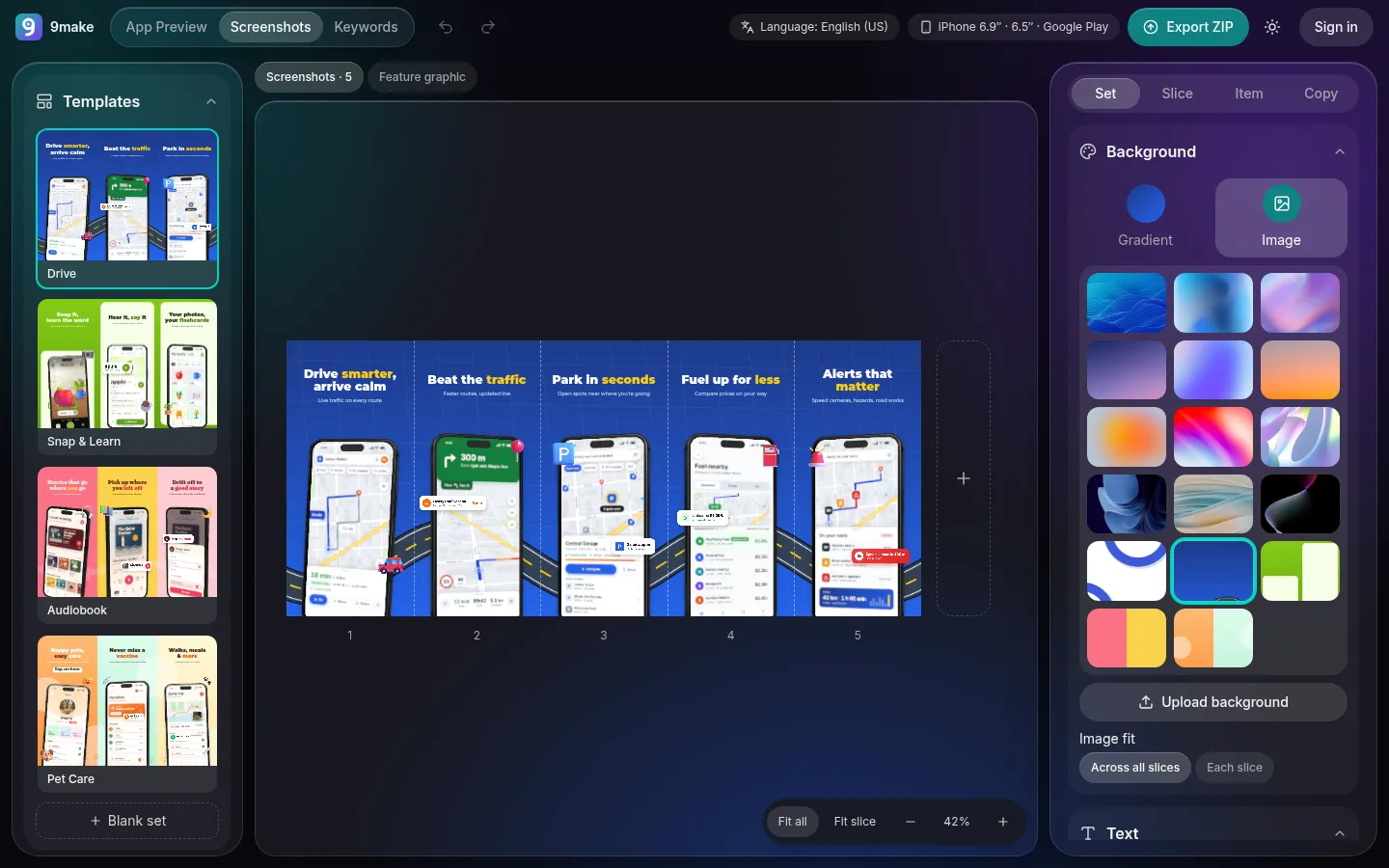
How it works
- Step 1
Pick a template
Start from an app-genre set and swap in your own screens, or begin from scratch.
- Step 2
Edit the set
Change captions, colors, phones and stickers. Screenshots sit side by side on one strip, so art can flow from one to the next.
- Step 3
Export a ZIP
Download the iPhone and Google Play sizes in one file. Exports need a free Google sign-in.
What you get
App-genre templates
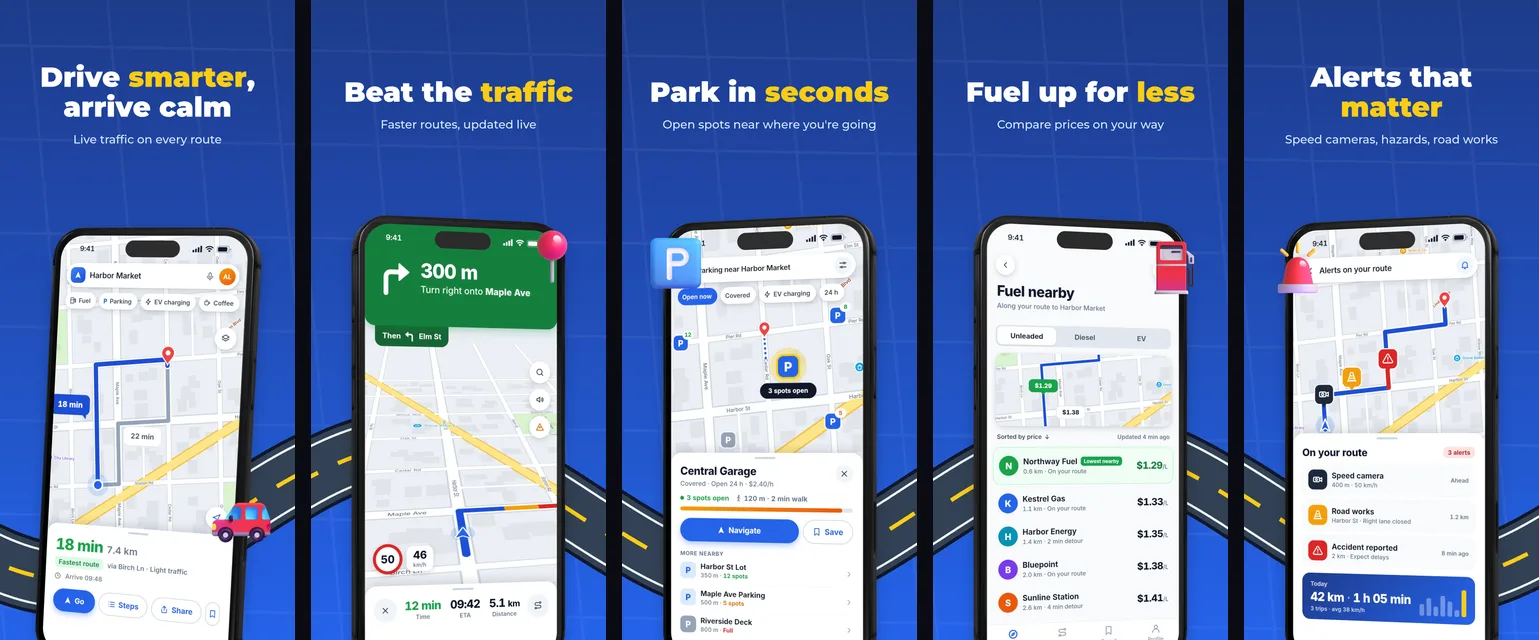
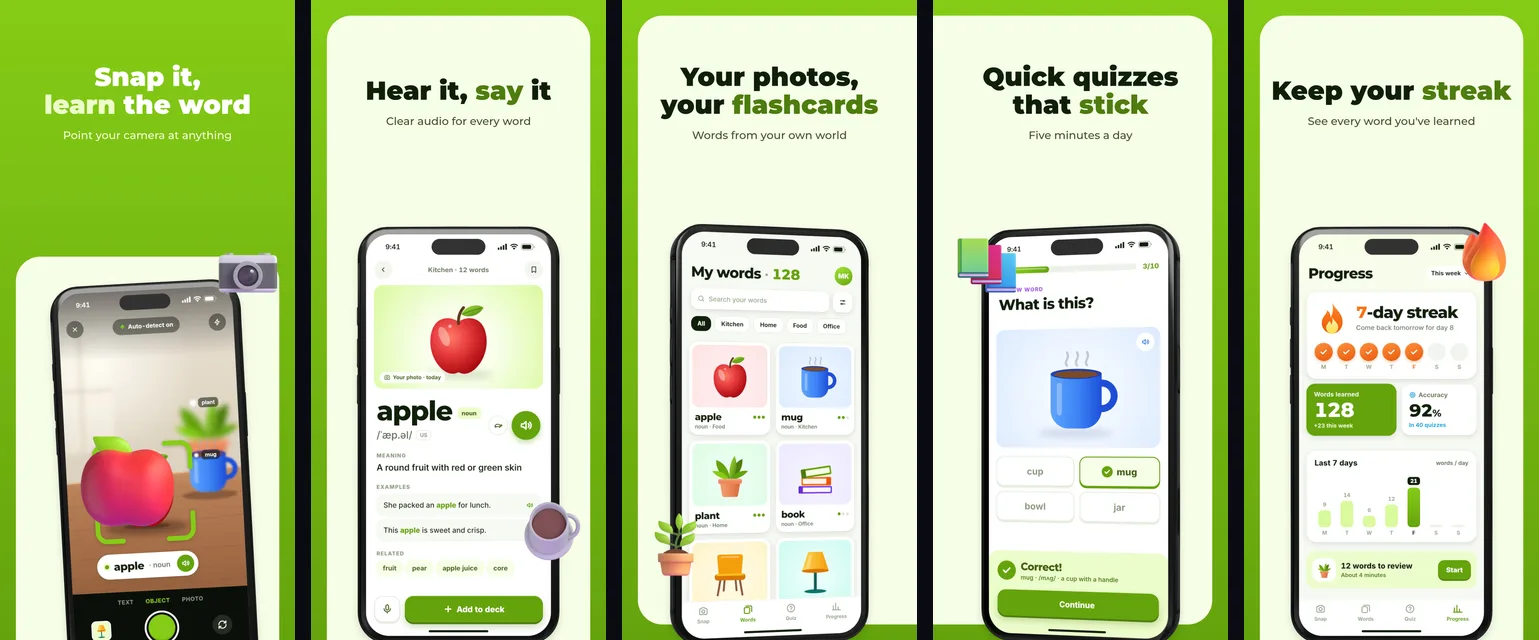
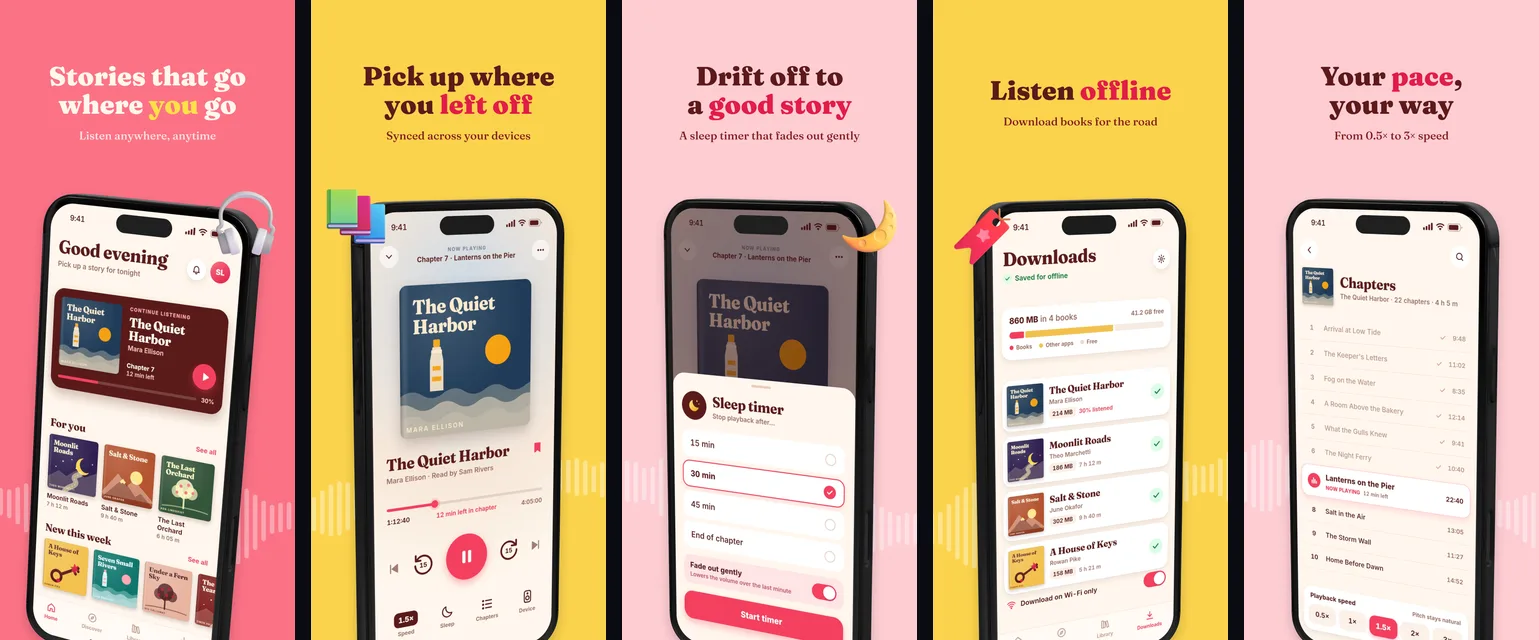
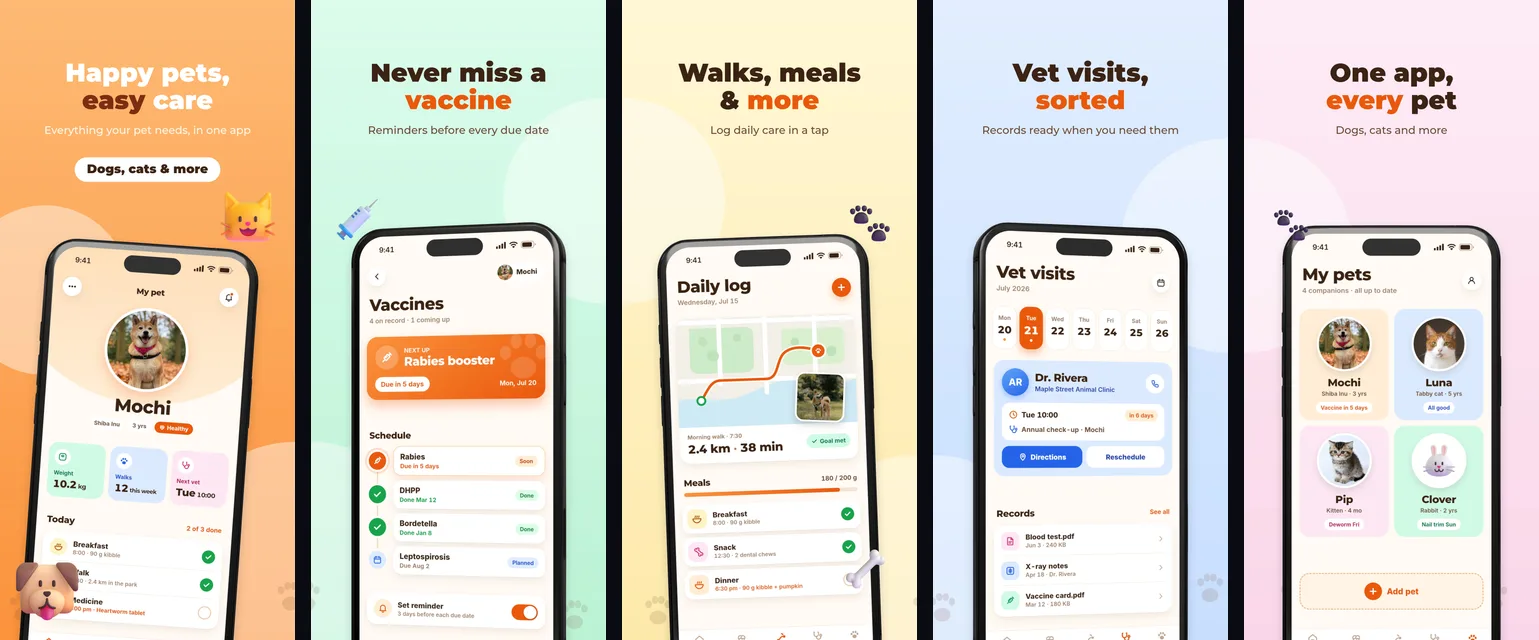
Drive, Snap & Learn, Audiobook and Pet Care sets with matching backgrounds, cards and stickers, all fully editable.
Captions with accent words
Wrap a word in asterisks, like Park in *seconds*, to color it differently from the rest of the headline.
Free sticker library
Search a bundled library of free emoji, doodles and illustrations and drop them next to your phones.
Localization
Write captions for any of the 39 App Store languages, including right-to-left Arabic and Hebrew, and export a folder for each one. Non-Latin scripts use your system font, and right-to-left text is currently drawn left-to-right, so check those exports.
iPhone and Google Play sizes in one ZIP
iPhone 6.9″ and 6.5″, Google Play phone, as RGB PNG files with no alpha channel.
Feature graphic
The 1024 × 500 Google Play feature graphic is part of the same project and the same ZIP.
Starter templates
Tips for screenshots that convert
Lead with the benefit, not the feature name. A caption like “Park in seconds” tells a viewer what they get; “Parking module” does not. Keep captions to a few words so they stay readable at the small size of a search result.
Consistency helps too: keep one font, one accent color and one phone style across the set so the screenshots read as a sequence when someone swipes through them. Make the first screenshot carry your main promise, since it is the one most people see. Use the accent-word color on the single word you most want noticed, and keep stickers to support the idea rather than decorate every corner. If you localize, check each language fits: German and Russian captions are often longer than English.
Sizes at a glance
Apple requires one iPhone set, 6.9″ (1320 × 2868 is one of three accepted resolutions) or 6.5″ if 6.9″ is missing; Google Play takes 2 to 8 screenshots plus a 1024 × 500 feature graphic. The full tables are in the screenshot size guide.
Good to know
Screenshots in 9make live on one continuous strip, so a background shape or a road can run from one screenshot into the next. When you export, the strip is cut at the right size for each store, and you can export only the sizes you need. Everything you add stays in your browser: nothing is uploaded to a server to render the images, and the ZIP is built on your device.