 9make
Make screenshots
9make
Make screenshots
App Preview Video Maker with 3D Phones
Put your app screens or screen recordings on animated 3D phones, add titles and music, and export a 1080p MP4 for your App Store or Google Play listing. Free and no watermark.
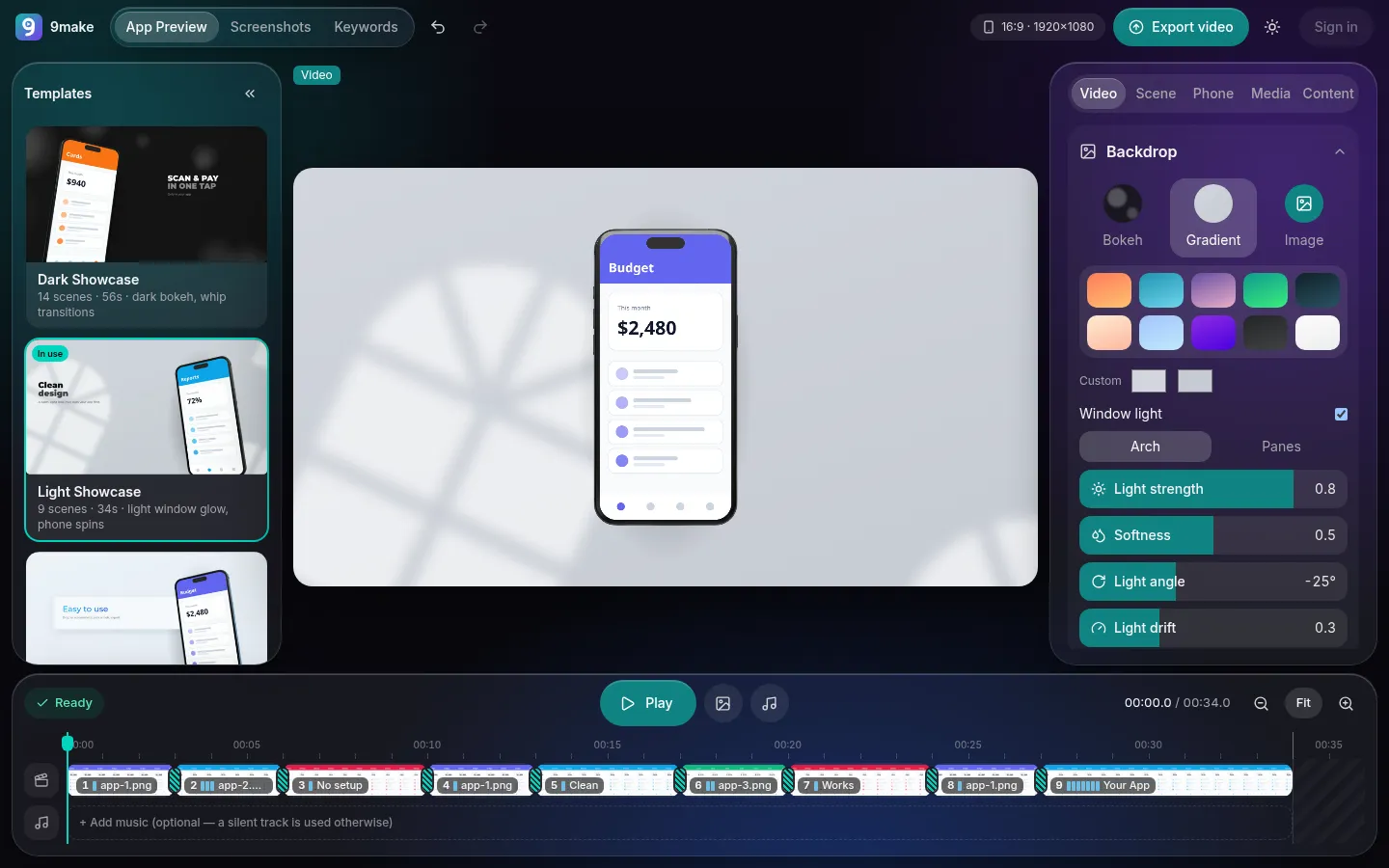
How it works
- Step 1
Add your screens
Drop in PNG or JPEG screenshots, or MP4 and MOV screen recordings.
- Step 2
Choose a template
Each template is a full set of scenes with camera moves, transitions and sample text you can rewrite.
- Step 3
Export the MP4
Render 1920 × 1080 at 30 fps in your browser. A free Google sign-in is needed to export.
What you get
Four video templates
Dark Showcase, Light Showcase, Soft Cards and Spotlight, every scene editable.
Animated 3D phones
Phones rotate, tilt and fan out across scenes, with the camera pushing in or drifting.
Screenshots and recordings
Use still images or screen recordings on the phone screens.
Text styles
Choose fonts, colors, fills and sizes for titles and descriptions, per scene or for the whole video.
Music
Add a track, then set where it starts, trim it, and control volume and fade-out. Audio is exported as AAC.
1080p MP4 export
H.264 video at 30 fps with AAC audio, clean of watermarks, processed on your device.
Video templates
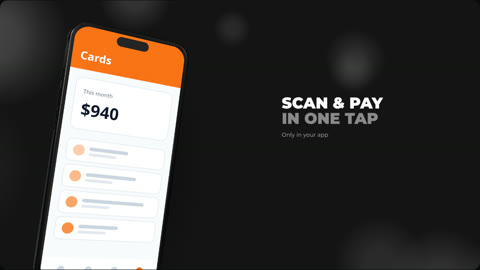
Dark bokeh background, whip transitions. 14 scenes, 56 seconds.
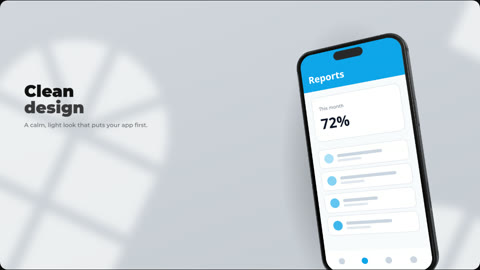
Light window glow with a spinning phone. 9 scenes, 34 seconds.
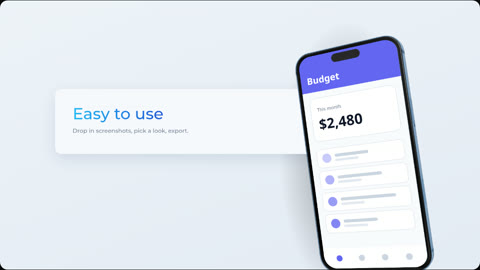
Soft cards and gradient titles. 13 scenes, 36 seconds.
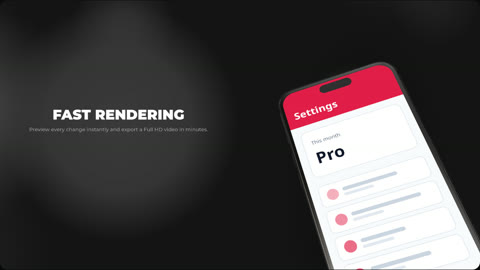
Dark spotlight with leaned phones. 12 scenes, 49 seconds.
Tips for a better preview
Plan the video around three moments: what the app does, the one feature people ask about most, and the result. Give each scene time to be read; two seconds is a good minimum for a short title. Choose the template that matches your app’s feel, light for calm and clean apps, dark for media and finance, then adjust text and phone positions rather than fighting the layout.
Use real screen recordings where motion matters, such as a swipe or a scan, and still screenshots where the interface is the point. Many people watch with sound off, so let titles carry the message and treat music as mood. Trim the total to Apple’s 30-second limit before exporting for the App Store.
Finally, preview the whole video once at full screen before you export. Check that no title is cut off by a phone, that text contrasts with the background in every scene, and that the audio fades out before the end instead of stopping abruptly.
Check Apple's requirements
Apple previews run 15 to 30 seconds at up to 30 fps. 9make exports 1920 × 1080 at 30 fps, which is accepted for some display sizes but not all; see the preview video specs guide for the resolutions per device and what to resize.
Good to know
Rendering happens on your device, frame by frame, so a longer video takes longer to export and needs more memory. For an App Store preview you will want a short project anyway. Your screens and recordings are not uploaded; they stay in the browser while you edit and render.